What a food logging dashboard for clinicians should actually show
Food logs only work when they connect to metabolic responses. A clinician-ready food logging dashboard displays meals, glucose reactions, and timing patterns on one timeline—turning days of manual review into minutes of actionable insight.

Food logging is critical for metabolic health coaching, but most food logs create more work than insight. Patients submit lists of meals in text files, spreadsheets, or disconnected apps. Clinicians spend session time decoding abbreviations, guessing portion sizes, and manually connecting meals to glucose patterns shown in separate CGM reports.
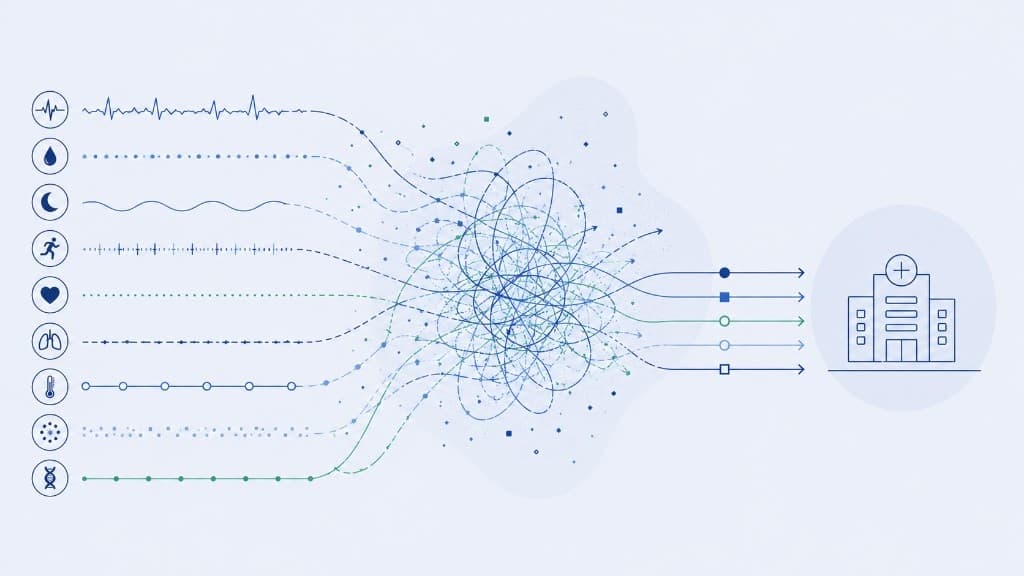
This disconnected workflow doesn't scale. When food logs live in one system and continuous glucose monitoring data lives in another, clinicians are left to reconstruct cause and effect manually—meal by meal, day by day. A food logging dashboard built for practitioners solves this by showing meals and metabolic responses on the same timeline, so you can identify patterns in minutes instead of hours.
Why traditional food logs fail clinicians
Most food logging tools were designed for individual calorie tracking, not clinical metabolic analysis. The problems compound when you're managing a panel of patients:
- No connection to glucose: Food logs are submitted separately from CGM data, so you manually match meals to glucose spikes hours later.
- Text-only entries: Without photos or structured macro data, you're left guessing whether "oatmeal" means instant oats with sugar or steel-cut oats with protein.
- Missing timing context: Logs don't show when meals were eaten relative to sleep, workouts, or medication—context that matters for glucose interpretation.
- One patient at a time: Reviewing ten patients' food logs requires opening ten separate documents or exports, each formatted differently.
The result: clinicians spend 20–30 minutes before each appointment reconstructing what happened, instead of focusing on what to change.

Learn more about Levels Pro
Extend care beyond the exam room with Levels Pro, the metabolic health operating system that unifies CGM, labs, food logs, and lifestyle data into a single, clinician‑ready view. If you are ready to practice truly proactive, personalized, preventative medicine, partner with Levels and start building measurable cardiometabolic outcomes at scale. Click here to learn more about Levels for practitioners.
What a practitioner food logging dashboard should display
A dashboard designed for clinicians starts with the assumption that food logs are only useful when linked to outcomes. That means the interface should:
1. Show meals and glucose responses on one timeline
- Display each logged meal with a timestamp, photo, description, and macros.
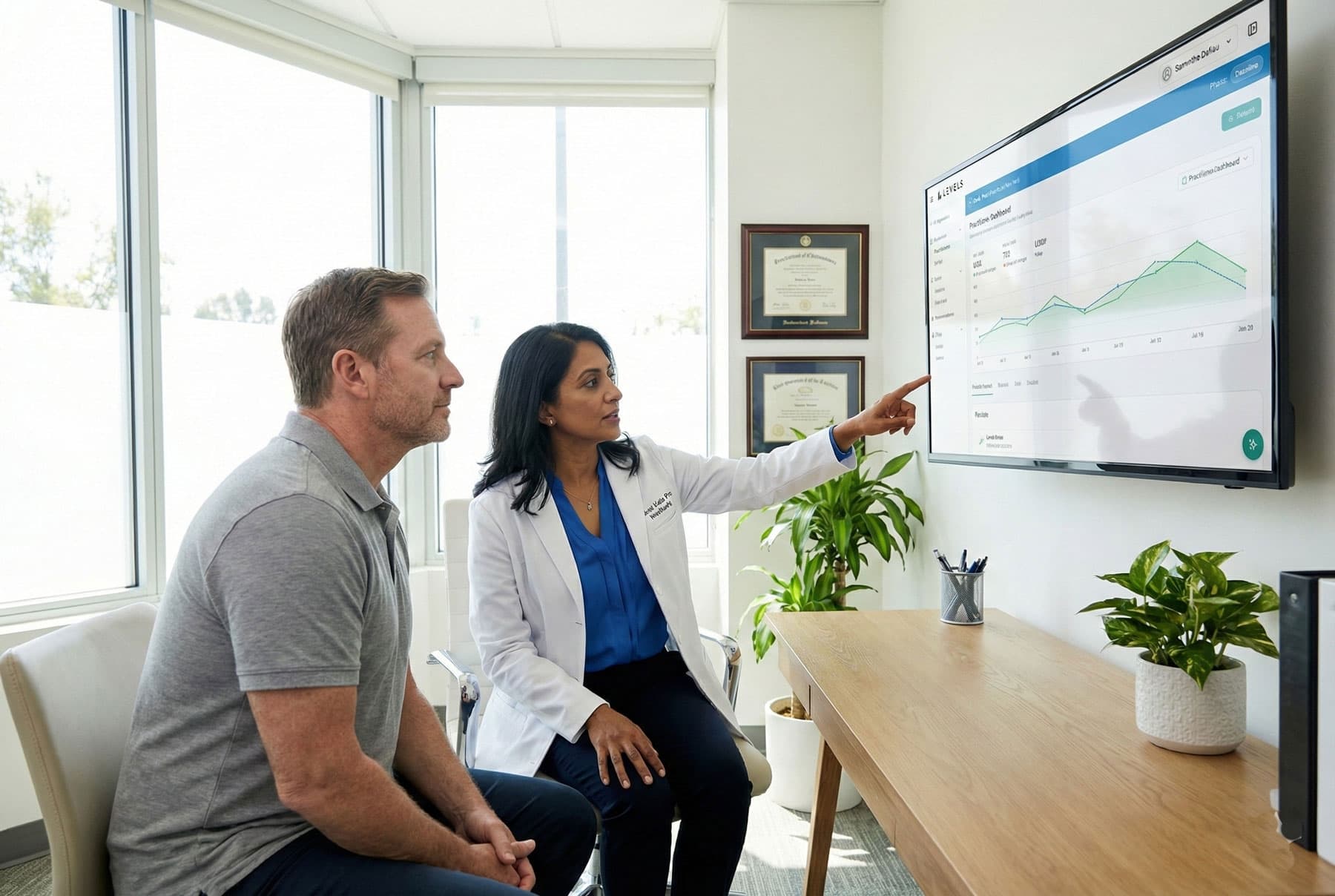
- Overlay the patient's continuous glucose monitoring trace so you immediately see the meal's metabolic impact: Did glucose spike? How much? How quickly did it return to baseline?
2. Surface patterns across days and weeks
- Instead of reviewing meals one by one, show:
- Which meal types (breakfast, lunch, dinner, snacks) drive the largest glucose responses
- Whether the patient's glucose control is improving week over week
- Consistency in logging and meal timing
- Flag notable trends: "Post-dinner glucose spikes decreased 22% this week" or "Breakfast logs show consistent protein addition."
3. Include lifestyle context
- Show sleep quality, activity, and stress markers alongside meals and glucose.
- A meal that causes a spike on a low-sleep day may not spike on a well-rested day—your dashboard should make that visible without manual cross-referencing.
4. Enable photo-based review
- Photo logs capture far more detail than text. A practitioner dashboard should display meal photos inline with glucose traces, so you can quickly assess portion size, composition, and preparation.
5. Aggregate across patients
- View food logging adherence and patterns across your full patient panel.
- Identify which patients are logging consistently, which need support, and which are ready for program progression.
How Levels Pro consolidates food logs and glucose data
Levels Pro was built to solve the disconnected data problem. On the food logging side, that means:
- Unified timeline: Every logged meal appears on the same timeline as the patient's continuous glucose monitoring data, sleep, and activity—no manual matching required.
- Photo + macro capture: Patients log meals with photos, natural language descriptions, or structured macros, and all of it flows directly into the practitioner dashboard.
- AI-generated meal summaries: Instead of reading through 84 meals across a 28-day CGM cycle, review a concise summary: "Patient logged 92% of meals. High-protein breakfasts correlated with stable morning glucose. Evening snacking remains a driver of overnight variability."
- Multi-patient roster view: See food logging adherence and glucose trends across your full panel, so you can prioritize which patients need coaching before scheduled visits.
Because Levels Pro integrates food logs with CGM, labs, and lifestyle data in one system, clinicians spend sessions on interpretation and strategy, not data reconstruction.
What this enables: pattern recognition at scale
When food logs and glucose responses live on one timeline, clinical workflows improve:
- Faster insight: Spot meal-glucose patterns in 5 minutes that would take 30 minutes with disconnected systems.
- Earlier intervention: Coaches review dashboards mid-week, notice emerging patterns (e.g., late-night snacking driving morning spikes), and send targeted guidance before the next appointment.
- Better patient engagement: When patients see their meals linked to real-time glucose responses in the app, they stay engaged. When you see the same unified view in your dashboard, you can reinforce what's working.
- Scalable programs: Manage food logging across 50+ patients without proportionally scaling your review time.
From data entry to clinical signal
Food logs only create value when they connect to metabolic outcomes. A practitioner-first food logging dashboard—one that displays meals and continuous glucose monitoring on the same timeline, surfaces patterns across days and weeks, and consolidates data across your patient panel—makes the difference between food logging as busywork and food logging as clinical insight.
Levels Pro is built to be that dashboard: photo-based meal logs, real-time CGM integration, AI-powered pattern summaries, and a unified view that turns food logging into the metabolic signal clinicians need to guide care.